
How it works
Add remote control
to your home.
We map your home’s systems, plan each integration, then install the ones you choose and bring them together in your own app.
Keep everyday control
Use your home
as usual.
The aim is to add remote control while keeping the everyday ways you use your home. We check what can be connected and what would need upgrading.
Some existing systems can stay in place. Others may need new switches, controllers or a stronger network. We explain those changes before you approve the work.
01 / Lighting & shades
One room.
Or the whole house.
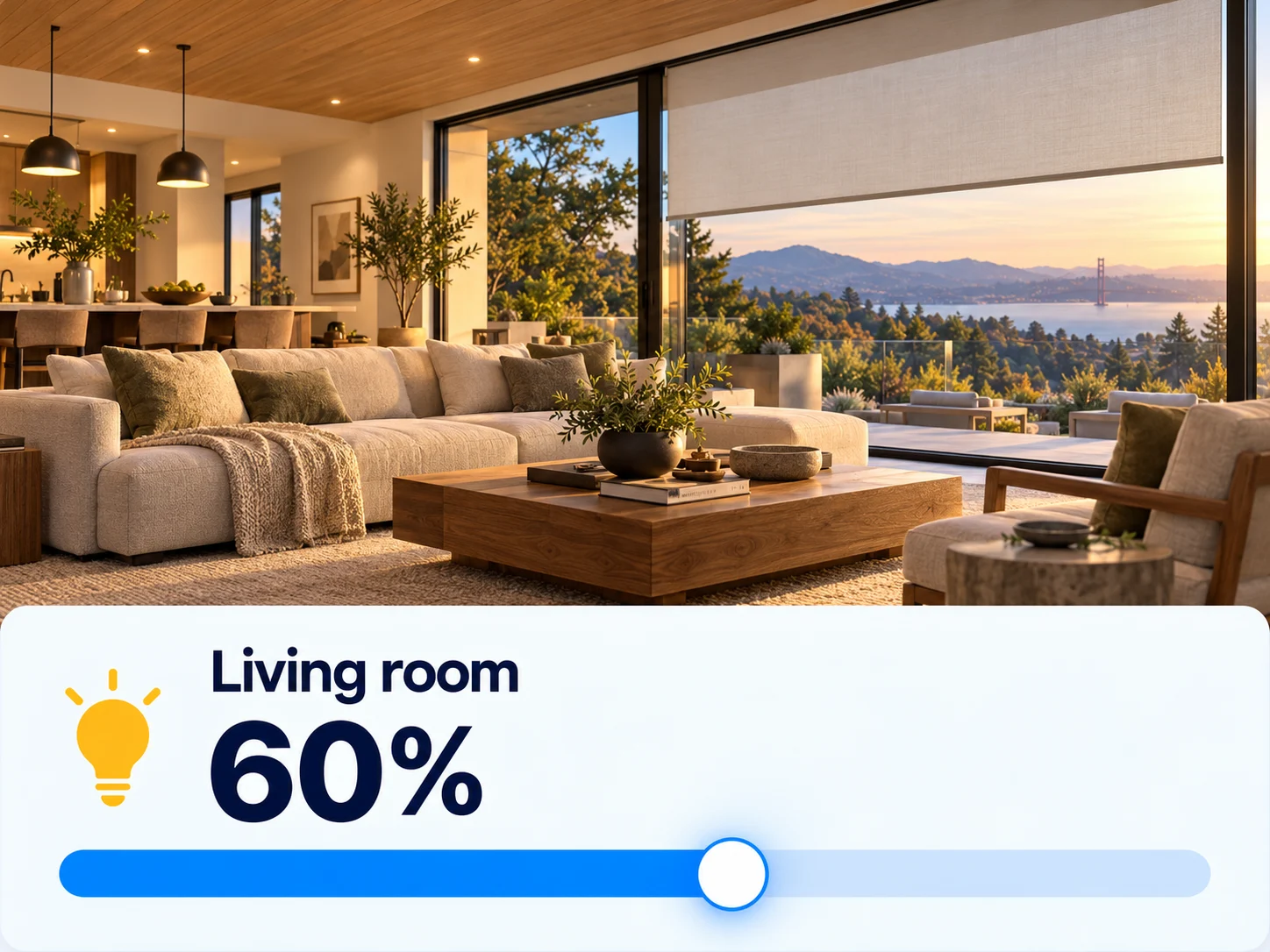
Control compatible lights and shades from your phone. Turn connected lights off together, adjust a room, or set a scene for the evening.
If your current system cannot connect, we can plan new smart lighting or suitable controls. Your walkthrough establishes what is possible with the equipment you have.
See the lighting project ↗02 / Water monitoring
Know when water
is still running.
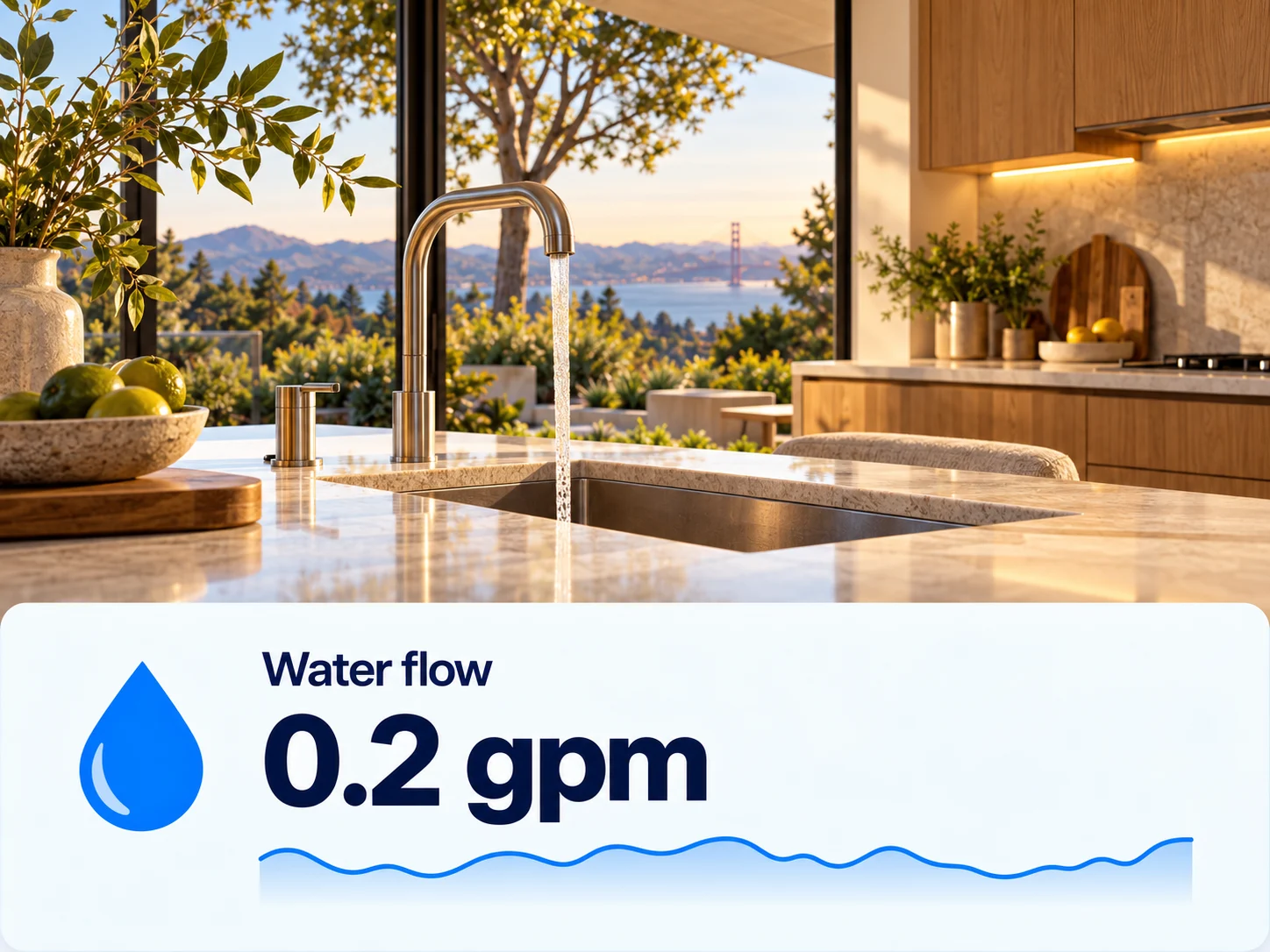
Whole-home water monitoring shows water use in real time and alerts you to possible leaks. It can help you spot a running hose or unexpected use before it becomes an expensive bill.
We check your meter, Wi-Fi and the monitor’s connection to your app before quoting. Monitoring and alerts are separate from automatic water shutoff.
Water monitoring for Kent Woodlands ↗03 / Temperature control
Set it before
you get home.

Adjust compatible thermostats remotely, or add remote control to a suitable hot tub system. We check the equipment first and quote any controls or upgrades needed.
Your app puts the useful controls where you can find them, with names and layouts that make sense for your home.
Read the hot tub story ↗04 / Energy use
See where your
power goes.
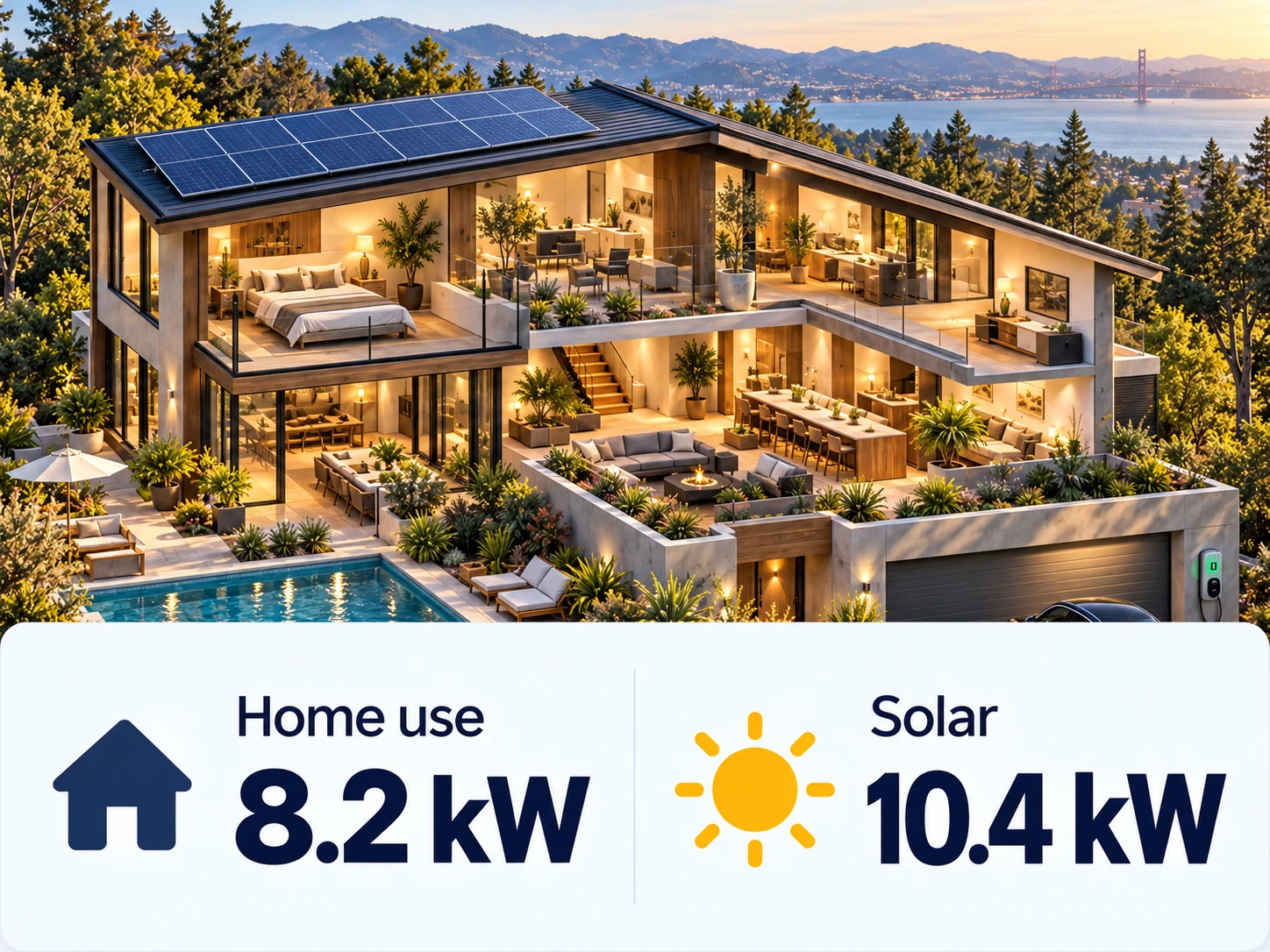
Bring readings from compatible energy monitors, solar systems and batteries into your home app. See how much power your home is using, what your panels are producing and what is going to or coming from the grid.
Available readings depend on your equipment. We check what can connect and quote any monitoring hardware or integration work before getting started.
Setup & support
Work directly
with Max.
- Map your home’s systems. During the free walkthrough, we map your existing systems, equipment and network.
- Plan each integration. We give you a plan and an itemized price for each integration. You choose which ones to install. No hardware markups.
- Install and set up your app. We come back to install your chosen integrations, connect them to your home app and show you how to use it.
For Kent Woodlands founding customers, the app and troubleshooting are included. Additional systems, new features and future customization are quoted separately.
What the founding offer includes ↗Show us what you’d like to control.
A free home walkthrough with Max.